Slack Connect Customer Support: How Slack Connect Functions as the Helpdesk
Use Slack Connect for B2B customer support without losing ownership, SLAs, or reporting. Learn what shared channels get right—and what Ticketping adds.
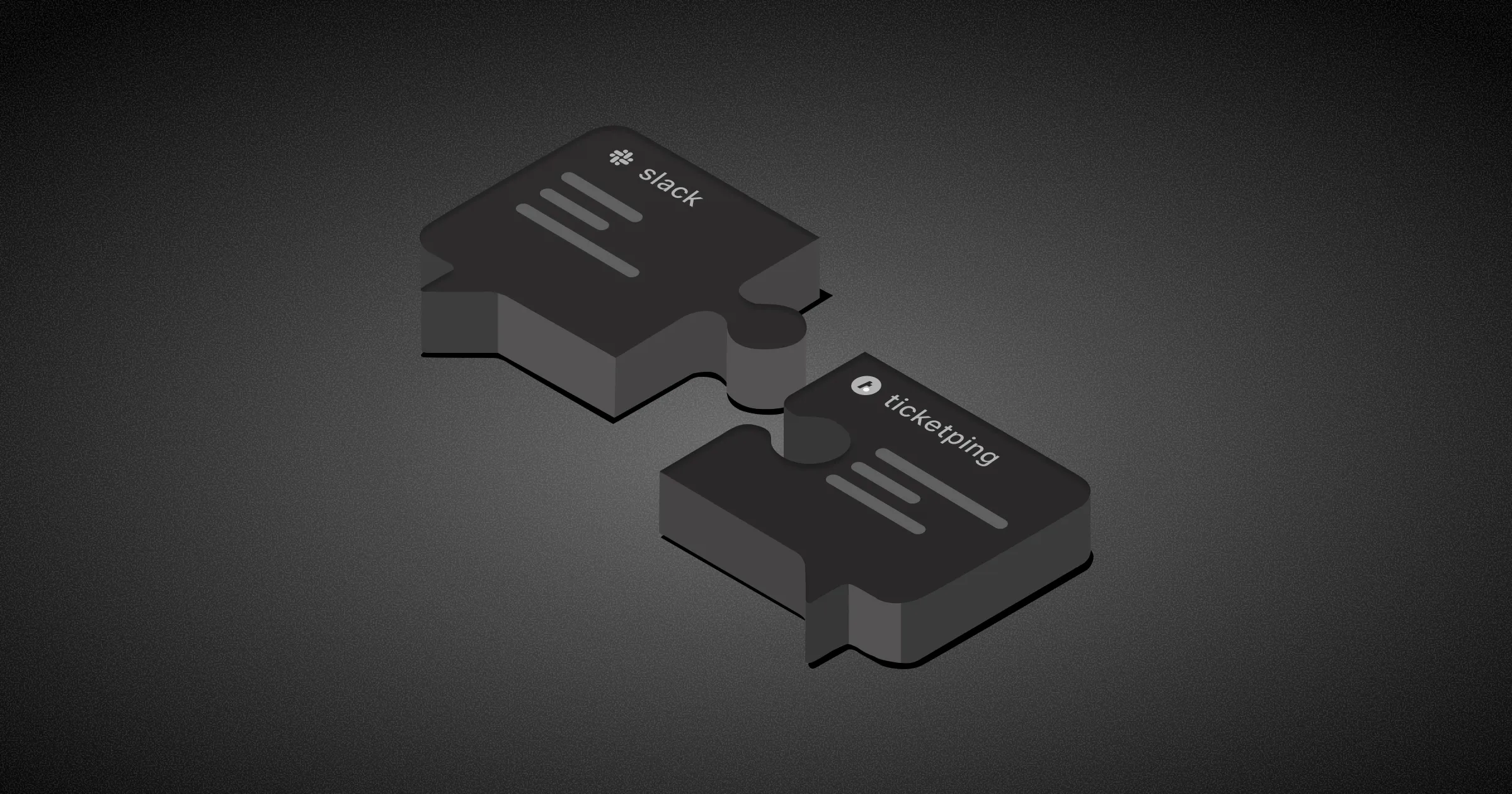
Slack Connect is an enterprise-grade, secure communication feature that lets separate organizations collaborate in shared channels and direct messages. Used for Slack Connect customer support, it becomes the primary B2B support interface—real-time client access without a portal—while a ticketing layer supplies ownership, SLAs, and reporting Slack alone cannot provide.
What Is Slack Connect Customer Support?
Slack Connect customer support means using shared channels as the primary support interface for B2B clients. Customers get direct, real-time access to your team from inside the tool they already use.
That improves responsiveness, strengthens relationships, and reduces friction compared to traditional support portals.
The challenge is that Slack Connect was designed for communication, not ticket management. As volume grows, teams struggle with ownership, tracking, reporting, and SLA accountability.
The solution is simple: keep customer conversations inside Slack Connect while managing requests through a ticketing system in the background.
Slack Connect vs Traditional Support Portal
| Dimension | Slack Connect support | Traditional support portal |
|---|---|---|
| Customer experience | Real-time chat in a tool they already use | Separate login, forms, and ticket UI |
| Response feel | Conversational, low friction | Formal, often slower to start |
| Ownership & status | Needs a ticketing layer | Built into the helpdesk |
| Reporting & SLAs | Not native to Slack Connect | Native to most helpdesks |
| Best for | B2B clients already on Slack | Broad audiences, self-serve queues |
| Risk without structure | Buried messages, unclear owners | Lower adoption / context switching |
Challenges
Without a ticketing layer, Slack Connect support breaks down in two ways.
First, ownership is diffused. When a request lands in a shared channel, every agent assumes someone else is handling it, and messages get buried without acknowledgment.
Second, there is no data. Slack generates conversation, not records. Support leads cannot measure first response time, track open requests, or report SLA compliance. The result is a support operation that feels premium to the customer and is completely blind to the team running it.
What Ticketping Adds That Slack Connect Cannot Provide Alone
Ticketping keeps the Slack Connect experience customers love while adding the structure your team needs:
- Every request has a ticket ID, a named owner, and a live status
- Internal collaboration stays in a private thread; customers see only resolved responses
- Agents reply with
@Ticketpingso answers route back into the shared channel - All ticket data feeds into reporting dashboards for account reviews and capacity planning
- Flat-rate pricing (Seed $29, Startup $99, Scale $199) means adding agents as you scale Slack Connect accounts does not increase per-seat costs
Conclusion
Slack Connect customer support creates a premium experience that email and traditional portals struggle to match.
Shared channels alone, however, cannot provide the ownership, reporting, and accountability required at scale.
By converting Slack Connect conversations into trackable tickets, teams preserve the convenience customers love while gaining the structure needed for reliable support operations.
Ticketping enables this model by turning Slack conversations into accountable workflows without disrupting the customer experience.
Start your free trial and run Slack Connect support with real ownership and reporting.
Frequently Asked Questions
Is Slack Connect a replacement for a help desk?
No. Slack Connect is a secure cross-company communication channel, not a ticketing system. Growing teams still need ticket IDs, named owners, status tracking, SLAs, and reporting. The effective model is Slack Connect for the customer experience plus a ticketing layer for accountability.
Can Slack Connect support scale?
Yes, when shared-channel conversations become trackable tickets with assigned ownership and SLA monitoring. Without that layer, volume grows but visibility does not—requests get buried, ownership stays diffuse, and leads cannot measure first response or resolution performance.
How do you track support requests in Slack Connect?
Use a ticketing platform that converts Slack Connect messages into tickets while customers keep chatting in the shared channel. Each request gets an owner and status; internal notes stay private; reporting covers open work, response times, and account health.
What is the biggest challenge with Slack Connect customer support?
Accountability. Without ticket tracking, agents assume someone else will reply, messages scroll away unacknowledged, and support performance is hard to measure. Ownership, status, and reporting close that gap without forcing customers into a portal.
How does Ticketping work with Slack Connect?
Ticketping turns Slack Connect conversations into tickets with IDs, owners, and live status. Agents collaborate in private threads and reply with @Ticketping so customers see resolved responses in the shared channel. Flat pricing (Seed $29, Startup $99, Scale $199) does not rise per seat as you add accounts.